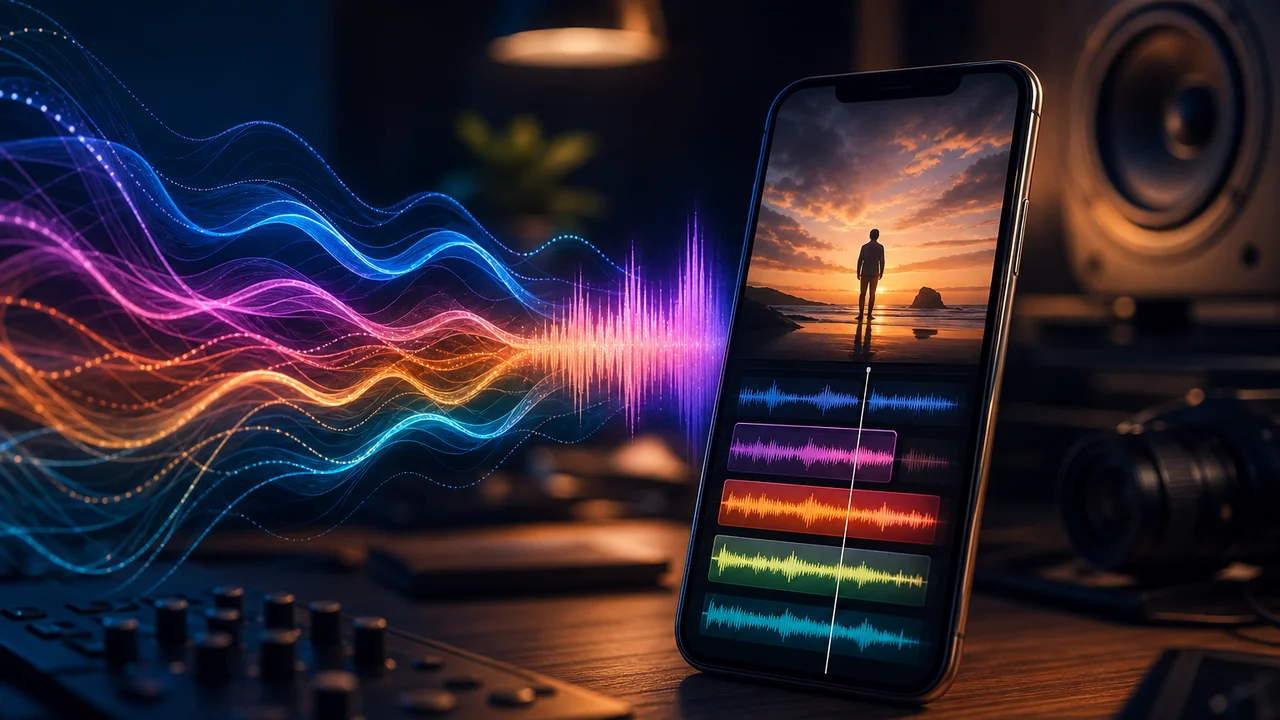
Short clips die in silence—feeds autoplay muted, and even unmuted viewers expect a bed or hit within two seconds. Filmy is not a standalone streaming ai music generator; it is a mobile creative studio where you generate AI music and ai sound effects, then attach them to video in Studio before export. This guide covers that companion workflow: audio serves the clip, not the other way around.
We do not promise chart placement, copyright clearance for every use case, or flawless audio on every Android device. We do map generate music → bind to timeline → export with honest notes on Pro gates, failed exports, and missing audio on some devices.
Why audio belongs inside the video workflow
Creators searching ai music for short video usually need one of three jobs:
| Job | Typical search | Filmy path |
|---|---|---|
| Background bed | “background music for reels” | AI music generator → import to Studio |
| Punctuation | “add sound effects to ai clip” | AI SFX → align on timeline |
| Full social clip | “ai music video” | Video templates + generated track in one session |
A separate music app forces extra export/import steps and sync drift. Generate music then export in studio keeps one gallery path—especially for ai video maker batches where three Reels share one Friday edit session.
Video-first context: pair this with AI video studio workflow, reels maker workflow, or faceless video workflow depending on whether you start vertical, template-led, or voiceover-led.
Step 1: Generate AI music for the clip mood
Open Filmy’s AI music flow with the finished clip length in mind—beds for fifteen-second Reels need different pacing than thirty-second explainers.
- Describe mood, not lyrics — “upbeat lo-fi, 90 BPM, no vocals” beats a paragraph of scene description.
- Match duration — Generate close to your trimmed clip length; heavy timeline stretch sounds worse than a second gen.
- Preview before bind — Listen on phone speakers; what sounds full on headphones may vanish on Reels autoplay.
Ai music generator runs may spend credits like video gens. Read balance before generating five alternate beds for one hook.
This is companion audio for video templates and AI clips—not a replacement for licensed stock libraries when your client contract requires specific rights language. Verify your use case.
Step 2: Add ai sound effects where the edit needs punch
Ai sound effects work best as punctuation—whoosh on transition, subtle impact on text reveal, ambient layer under product macro—not as a wall of noise.
Pattern in Studio:
- Import or open the video clip on the timeline.
- Generate or select SFX aligned to the visual beat.
- Trim tail and head so hits land on frame one of the motion.
- Duck music under SFX if both play together.
For add sound effects to ai clip workflows, sync matters more than library size. One well-placed hit beats six overlapping samples.
Step 3: Balance tracks before export
Studio mixing for mobile social:
- Music vs voiceover — Duck music 6–12 dB under narration; faceless clips covered in our faceless video workflow depend on this.
- Music vs SFX — SFX should peek 3–6 dB above bed, not compete.
- Mono check — Phone speakers are not stereo studios; pan extremes can disappear.
Background music for reels should support the hook, not bury on-screen text. If viewers reach for volume, the bed is probably too hot.
Step 4: Export with audio embedded
Export once at the resolution you will upload. Habits that reduce export fails after editing:
- Save Studio draft before long mix sessions.
- Export at 1080p vertical first; retry 4K only after success.
- Use stable Wi-Fi; cellular drops mid-export waste time.
- Confirm audio in preview scrub—not only the first frame.
Some users report audio missing on Android export after complex sessions. If playback is silent in gallery:
- Reopen from draft and mute/unmute tracks to refresh the timeline.
- Re-export at moderate resolution.
- Check device volume and “media” stream—not notification volume.
We do not guarantee zero export failures on every device. Draft save plus moderate first export is the practical mitigation.
Templates, transitions, and Pro gates
Video templates with baked transitions can accelerate ai music video layout—but store feedback notes:
- Template transitions gated Pro — Premium styles may require Filmy Pro or credits before apply.
- Export fails after editing — Long template + music + SFX stacks stress mobile export; simplify before retry.
- Audio missing on Android export — Rare but reported; verify in preview and re-export from draft.
Read in-app gates before promising a client template look with custom music.
Credits across video and audio generation
Music and SFX generation typically meter credits like video. Batch pattern:
- Finalize video trim before generating the third music variant.
- One SFX pass per transition—not per slide in a template.
- Combine three Reels in one Studio session after gens complete.
Freemium limits apply; we do not advertise unlimited ai music generator runs on free tier when paywall applies.
How we tested this in Filmy
On 2026-07-21 Morrowline Apps tested audio companion flows on the current Android build. We generated one upbeat lo-fi bed for a fifteen-second vertical text-to-video clip, added two SFX hits aligned to text reveals in Studio, and exported at 1080p with embedded audio to app gallery. A second pass used a template shell with generated music under a product image-to-video clip; a premium transition style showed Pro gate before apply. Draft save and reopen preserved both tracks; first export succeeded on Wi-Fi. We simulated a heavy three-track session and recovered from a failed export by reopening draft and re-exporting at 1080p—audio remained in preview after refresh. Credit decrement appeared before music generation as with video gens. Morrowline Apps verified generate → Studio bind → export in-app on that date; we do not claim royalty-free guarantees for all commercial uses or zero audio loss on every device.
FAQ
Can Filmy replace a standalone ai music generator app?
For short social clips, yes—generate bed and SFX, mix in Studio, export with video. Long-form scoring or DAW depth is out of scope.
How do I add sound effects to an ai clip on Android?
Generate SFX in-app, place on Studio timeline at the visual beat, trim, duck music, export once.
Why is there no audio after export?
Reopen draft, verify tracks unmuted in preview, re-export at moderate resolution on stable network.
Are template transitions free?
Some starters are free; premium transitions may require Pro or credits—check before client delivery.
Generate one bed matched to clip length, place SFX on beats, balance for phone speakers, export once from Studio. For vertical Reels pacing before audio, start with reels maker workflow. For full generate-then-edit context, see AI video studio workflow.