The problem
One clip, too many apps.
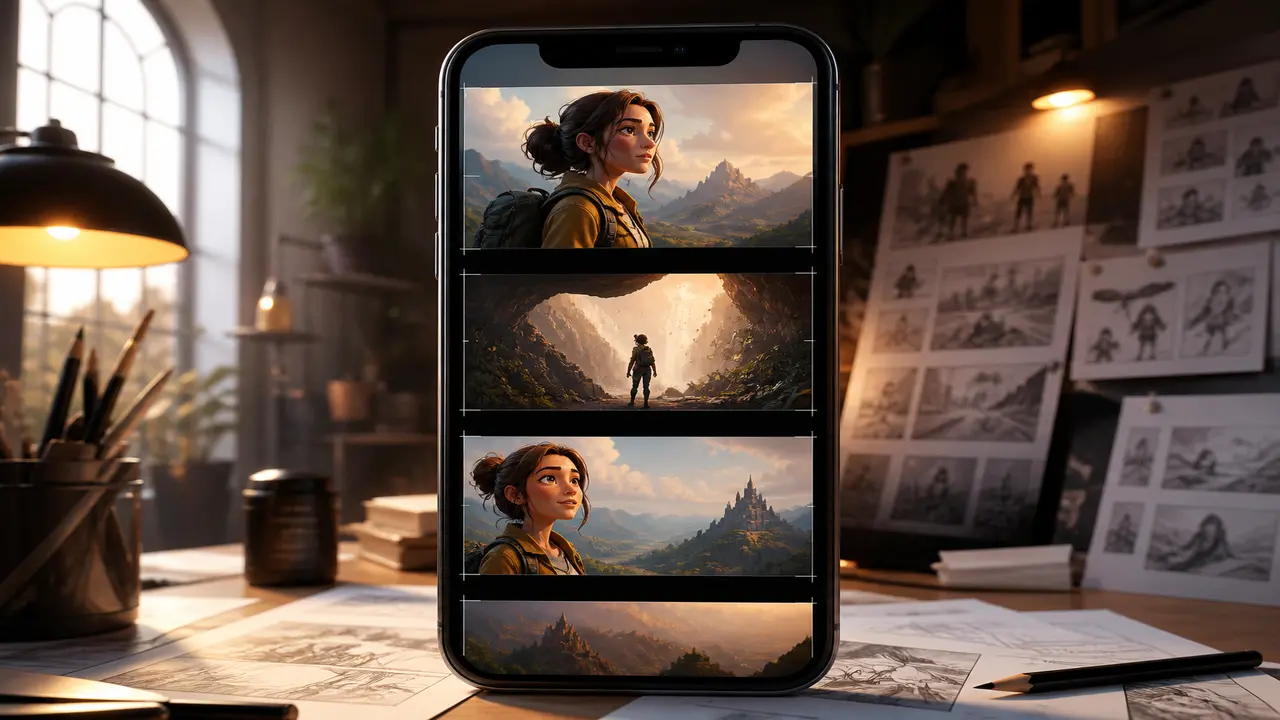
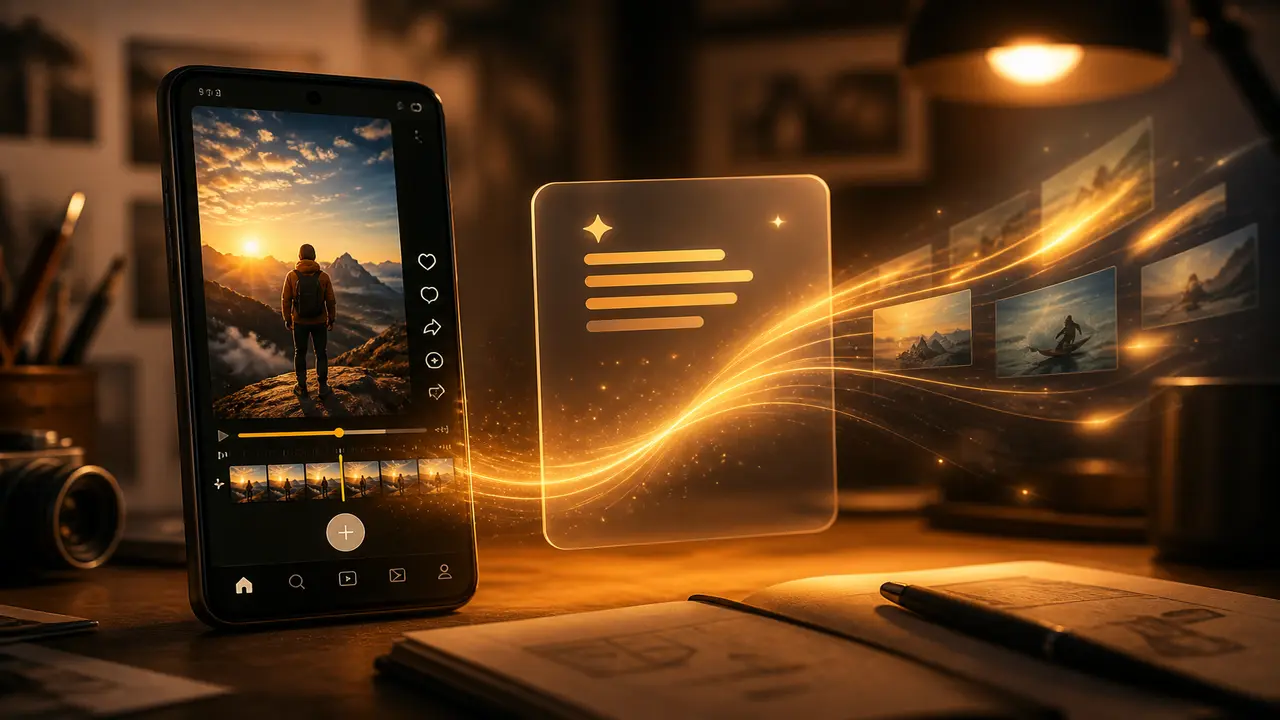
Making a single short video usually means bouncing between a text-to-video tool, an image app, a music maker, and an editor — and losing your idea somewhere in the handoff.
Filmy · AI creation studio
AI video, images, and music in one mobile studio — then finish every clip on a real timeline. No app-hopping.

Free on Google Play · Android
The problem
Making a single short video usually means bouncing between a text-to-video tool, an image app, a music maker, and an editor — and losing your idea somewhere in the handoff.
The Filmy way
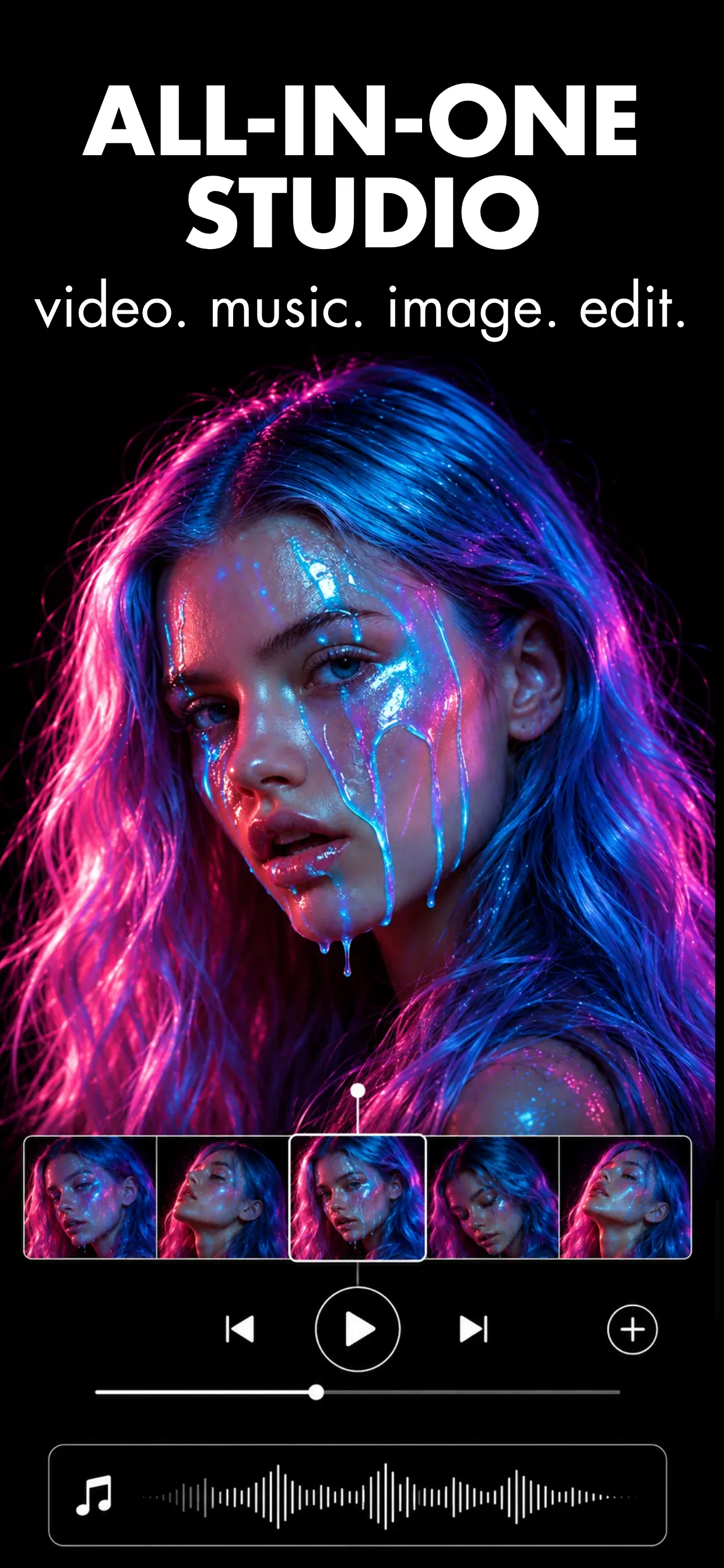
Filmy keeps text-to-video, image-to-video, AI images, and AI music in a single studio, with a timeline to finish and export each clip for Reels, Shorts, and posts.
Inside the app
A generate-then-edit workflow built for short-form creators — not a desktop editing suite.
Describe a scene or start from a still — Filmy turns text and photos into short vertical video in one tap.
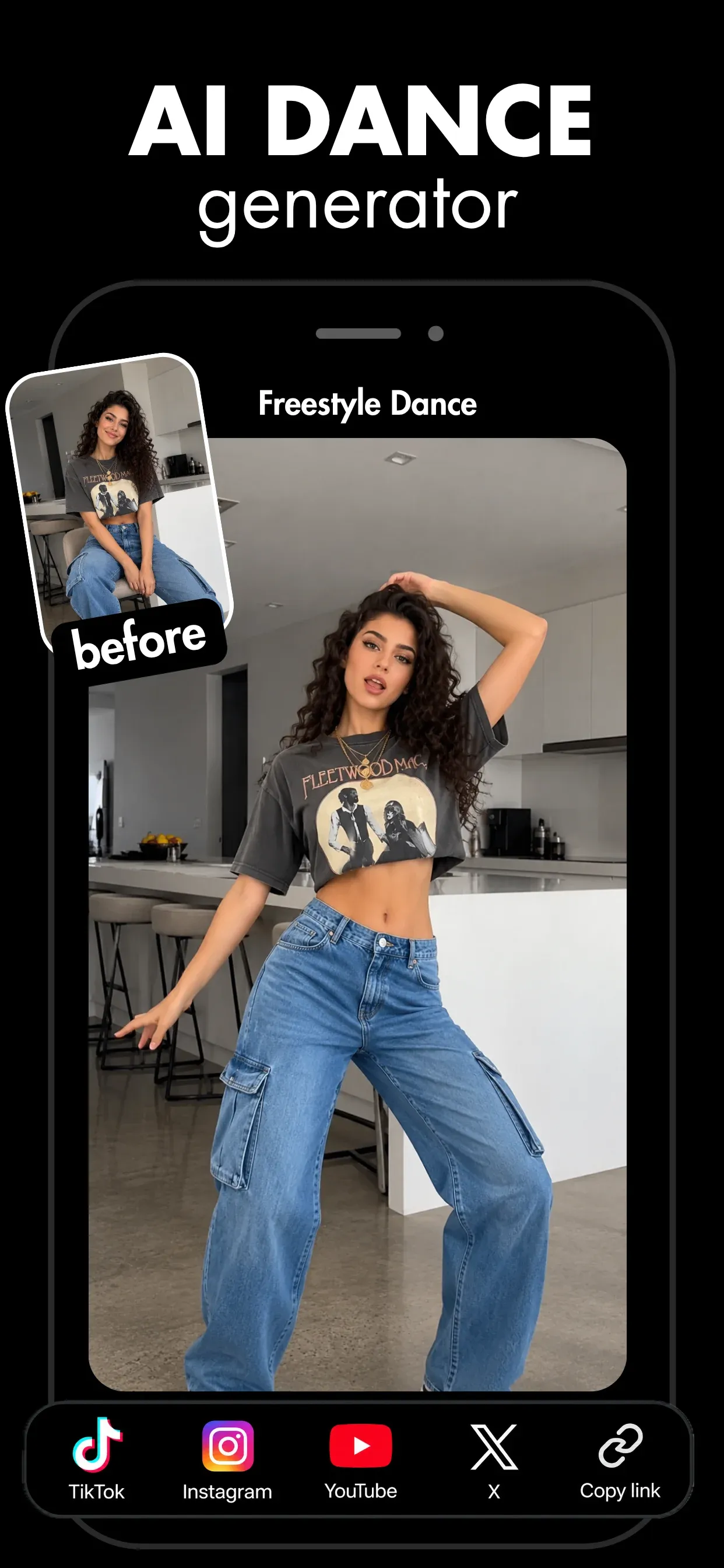
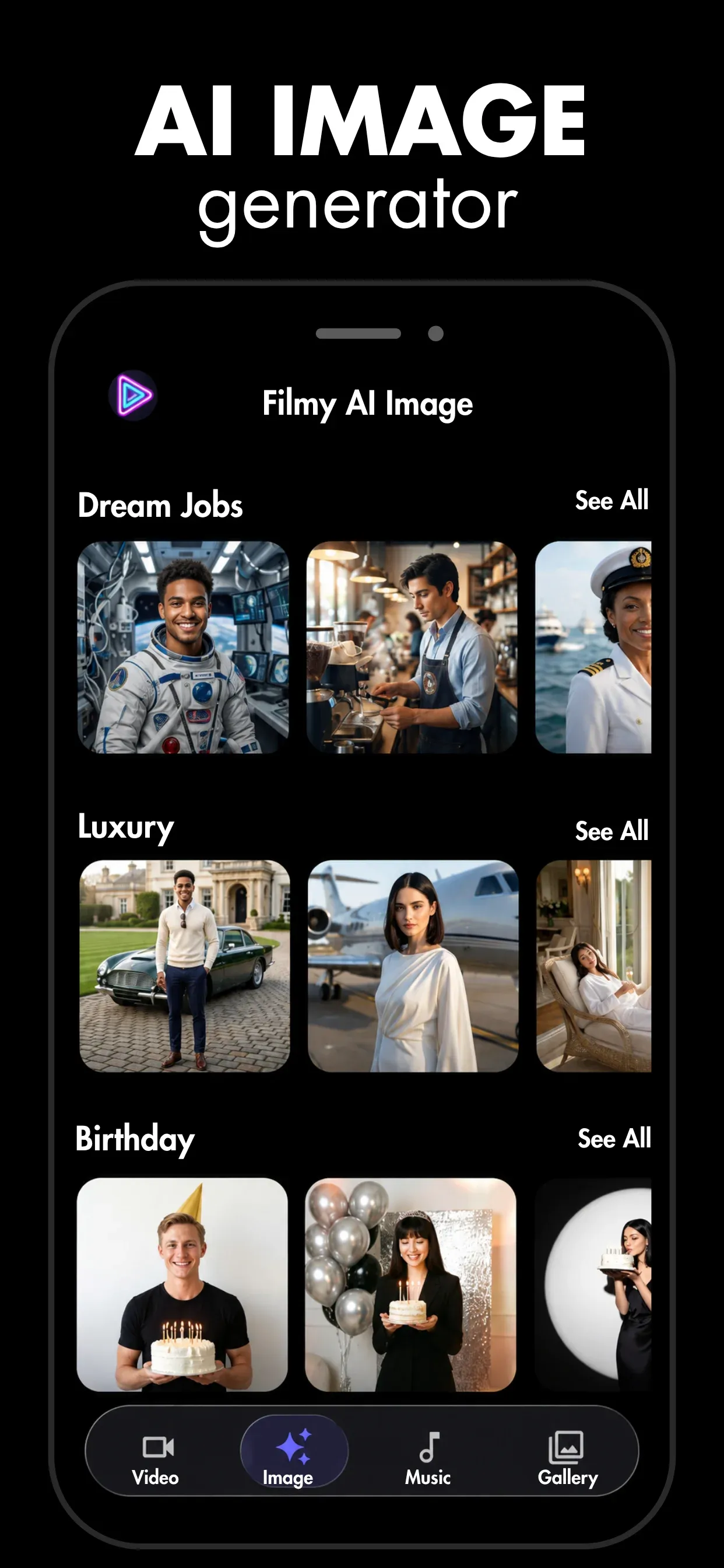
Generate stills from a prompt or remix your own with style templates, right next to your video work.
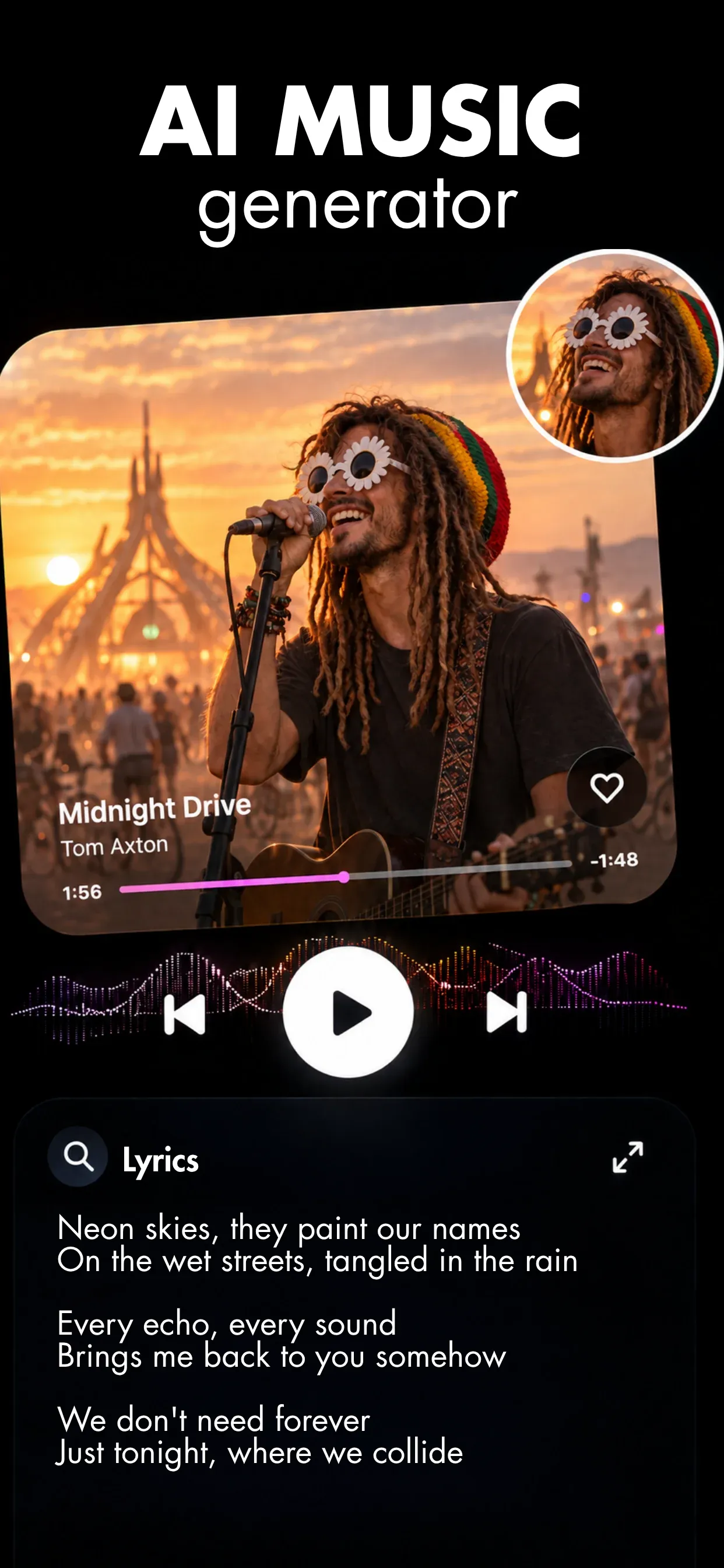
Set the vibe, genre, and energy — then drop AI music onto your timeline in seconds.
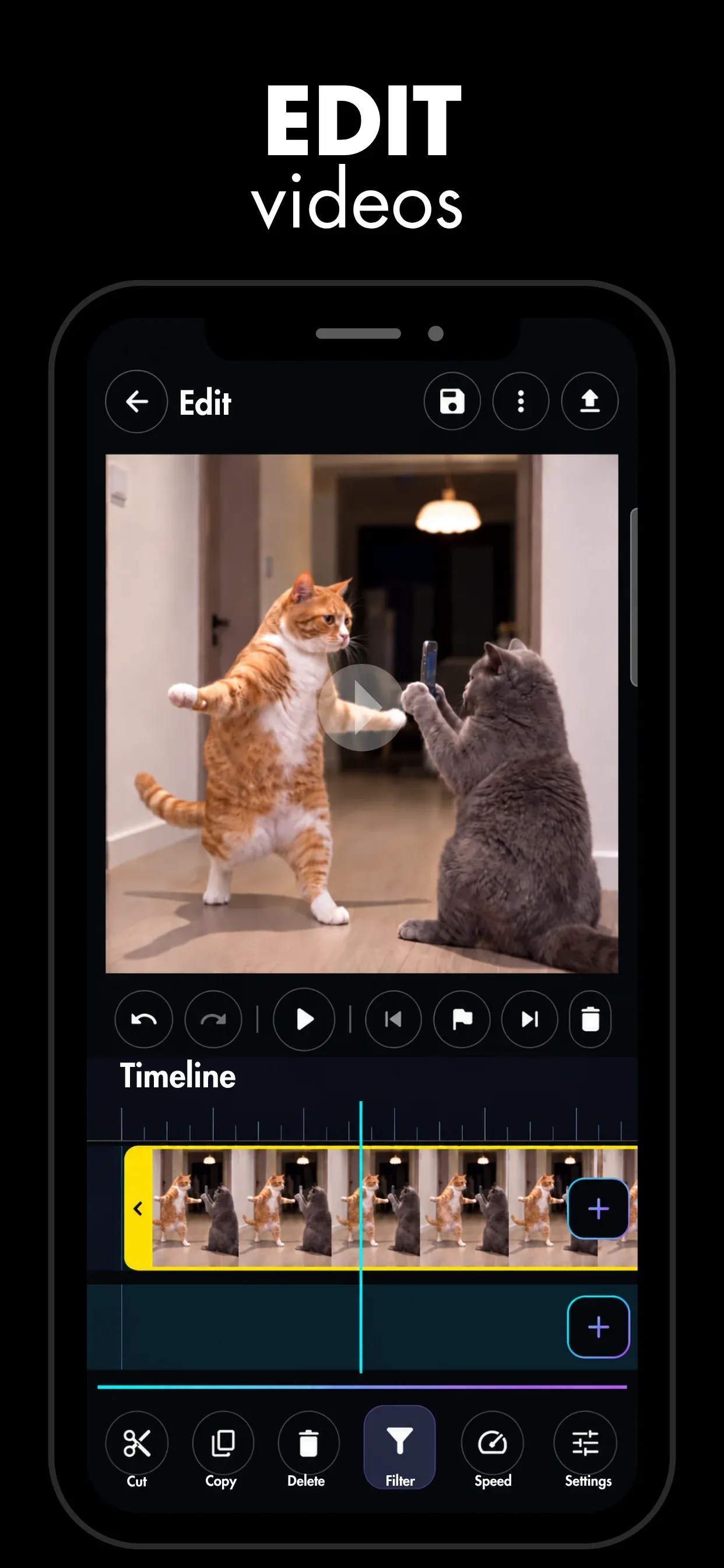
Trim, split, add transitions and voiceover, then export up to 4K and keep every creation in your gallery.
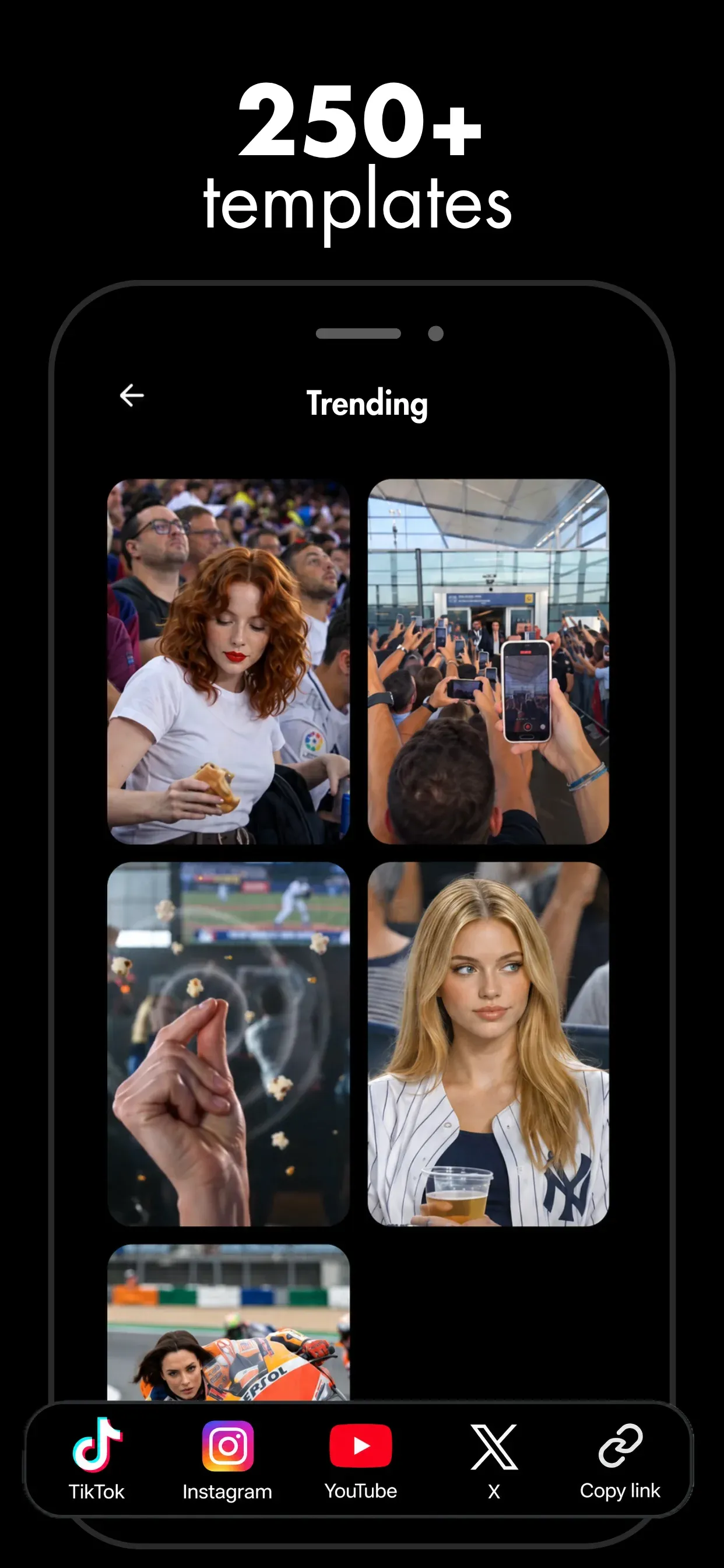
A look at the create surface, timeline, and export flow before you download.
Questions
Filmy is free to install on Google Play. Generating video, images, and music uses credits, and Filmy Pro unlocks premium models and higher usage. Check your balance in the app before chaining several generations.
A text prompt, a photo from your camera roll, or an AI image you made in Filmy. Each becomes a short vertical clip you can trim, score, and export from the built-in timeline.
Generation runs in the cloud, so you need a connection to create. Editing and exporting happen on your device once a clip is in your gallery.
No generator is perfect. Shorter prompts with one subject and one camera move give the most predictable results, and credits are spent per attempt, so diagnose before you retry.
Filmy is an Android app. Performance varies by device, especially on long exports, so start with short clips on older phones.

Generate your first video, image, or track — then edit it into something worth sharing.
Free on Google Play · Android