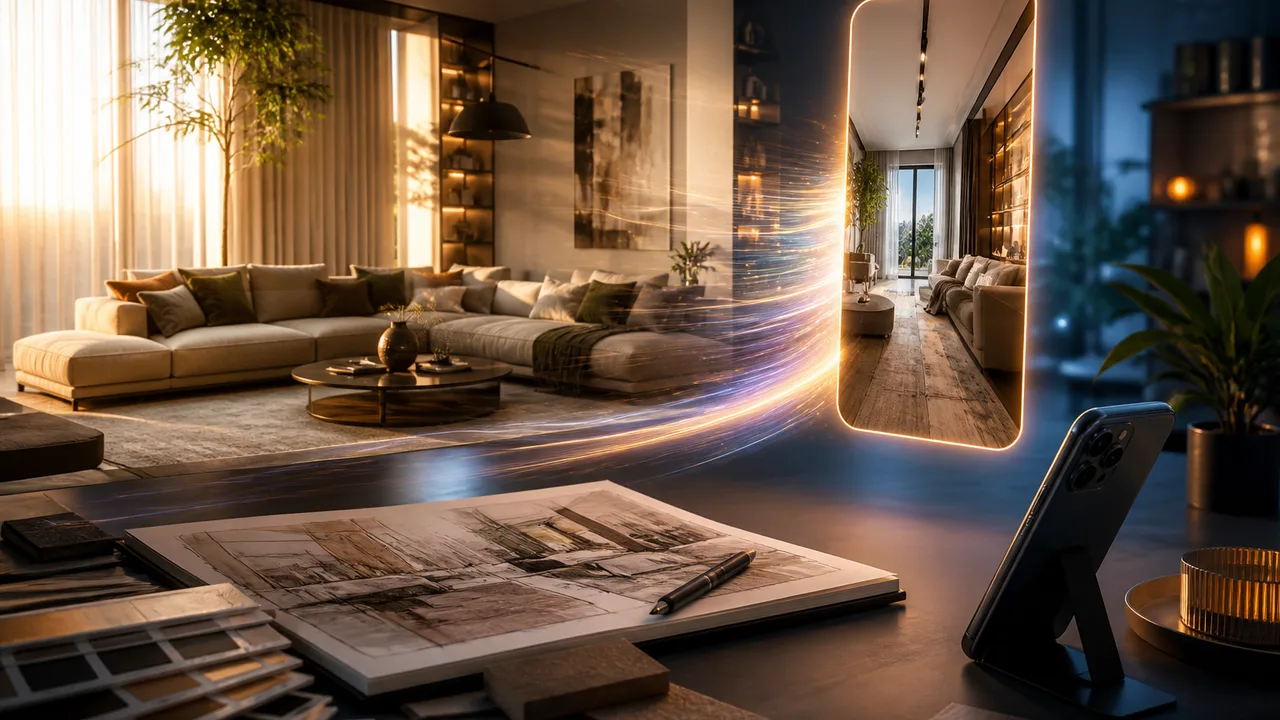
ai interior design and ai room design work best as a still-first workflow: lock the room, tattoo, or concept look, then animate once. Jumping straight into video regenerations wastes credits when the composition was never settled.
Morrowline Apps publishes product workflows for short-form creators. We do not promise viral reach, followers, or monetization from one clip.
Still first, motion second
- Generate or refine a still with image tools (interior redesign, tattoo concept, or text-to-image).
- Reject frames that warp the subject—fix the still before video.
- Send the keeper into image-to-video / photo-to-video once.
- Finish length and audio in Studio; export once.
Long-tails like “ai interior design from photo” and “room makeover ai then video” are about this sequence, not a longer video prompt.
Why this saves credits
Each video retry is expensive. A still iterate loop is cheaper and clearer: you judge lighting and layout before paying for motion. Peer-app feedback about distorted faces and short useless outputs maps to skipping this gate.
How we tested this in Filmy
We created one interior-style still, discarded a distorted variant, animated the keeper once, then trimmed in Studio and exported a single vertical clip. Credits apply to generations and some exports. Read the meter before you retry. When the path is clear, open Filmy on Android, run one focused job, and export only after the gallery tile appears.
Related guides
ai art to video workflow, photo to video how to, image to video app choose input