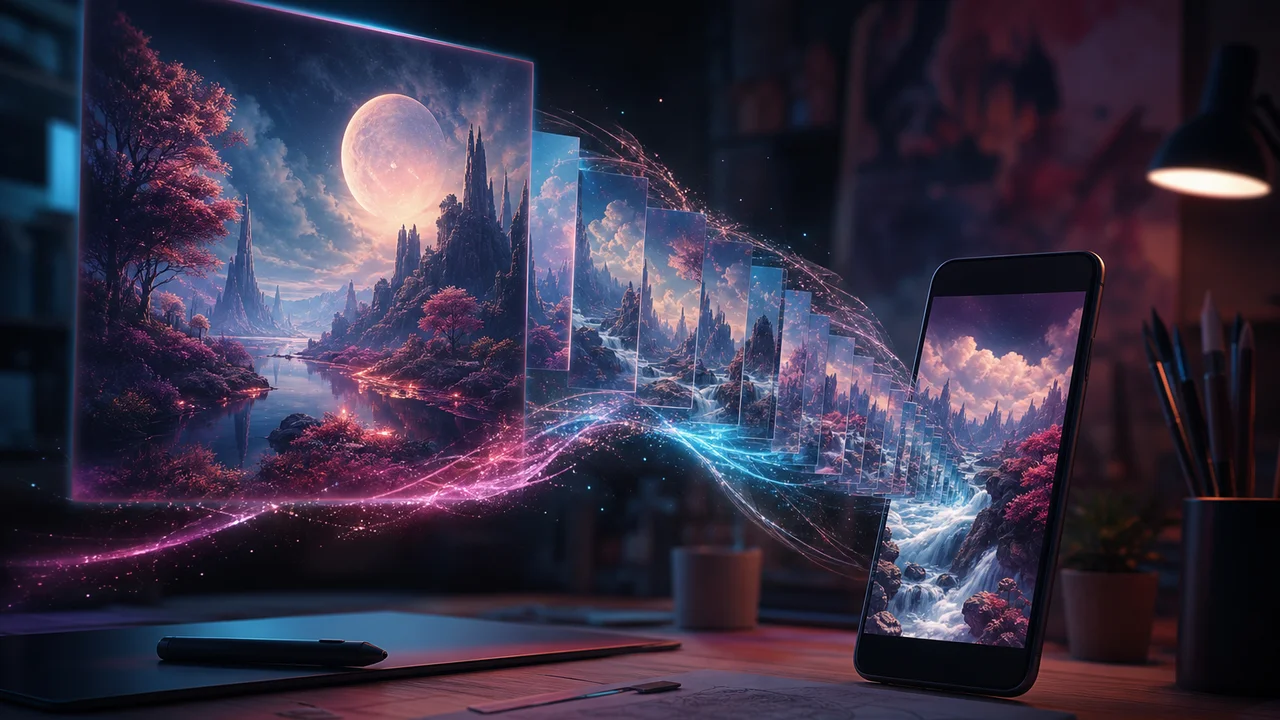
Sometimes the clip you need starts as an image, not a camera roll photo. An ai art generator can build a still—mood board, product concept, stylized scene—then that still becomes motion through image-to-video. Filmy keeps both steps in one mobile studio: text to image (or image-to-image), save the still, animate, polish in Studio. This workflow is a companion to video tools, not a promise that Filmy replaces a dedicated illustration suite.
We do not guarantee studio-quality results on every device or every prompt. Credits apply to image gens and video gens alike. Read the meter before you chain three stills into three animations.
Why image tools sit beside video in one studio
Creators searching ai art generator app often want one of three jobs:
| Job | Typical search | Filmy path |
|---|---|---|
| Concept still | “text to image” / “how to text to image” | Text-to-image → Gallery |
| Style remix | “ai art generator from photo” | Image-to-image → still |
| Social motion | “text to image video app” / “generate image then animate to clip” | Still → image-to-video → Studio |
A separate art app forces export/import and format surprises. Ai art and video studio in one gallery means the still you just made is one tap from animation—especially useful for short social hooks that never needed a real photo shoot.
Likeness and credit limits for photo animation are covered in image to video limits trust. Step-by-step photo motion lives in photo to video how-to.
Step 1: Generate a usable still (not a collage)
Open text-to-image or image-to-image with the end clip in mind—vertical 9:16 if the still will animate for Reels.
- One subject — “espresso cup on marble, soft window light” beats a paragraph of competing objects.
- Readable edges — Soft blurry stills amplify artifacts when motion starts.
- Preview before you spend again — One strong still is cheaper than five weak ones you will never animate.
How to text to image for video: write for the frame you will animate. Faces and fine logos distort easily in the next step—plan captions in Studio if branding must stay sharp.
Credit note: image generation spends balance like video. If you already burned credits on failed video gens, pause before opening the art tools for a “quick try.”
Step 2: Animate the still with a modest motion line
Send the still into image-to-video:
- Crop to the subject; avoid letterboxing that wastes the frame.
- Describe gentle motion—“slow push-in,” “parallax left,” “steam rises”—not a full scene rewrite.
- Generate once; diagnose before a second spend.
Generate image then animate to clip fails when the motion prompt fights the still (asking for a running figure when the image is a static product). Keep ambition low on faces; distortion is a known VoC theme on photo-based art and animation.
If the still was camera-roll photography instead of AI art, the same motion discipline applies—see the photo how-to linked above.
Step 3: Studio polish and honest export
Open the animated clip in Studio:
- Trim soft frames at the head.
- Add on-screen text if the still cannot hold branding.
- Optional music or SFX for feed autoplay.
- Export once at tier-appropriate vertical resolution.
Generate-then-edit habits for mobile editors are in AI video studio workflow. Pure text-to-video prompt salvage (when you skip the still) is in text to video prompt fidelity.
Credits, likeness, and quality after payment
Three frictions show up when image and video share one wallet:
- Credits burn across image and video steps — A still plus an animation is two spends. Plan the chain before you tap Generate twice.
- Face distortion on photo-based art — Image-to-image and animation can drift likeness; do not promise client-perfect portraits from a freemium mobile pass.
- Generation quality fails after payment — Paying does not guarantee every render matches the prompt. Diagnose with shorter prompts and one change at a time.
Filmy Pro may unlock premium models or higher usage; it does not erase every limit or promise identical quality on every Android device. We do not claim unlimited image gens or watermark-free export without checking your tier.
When to skip art and go straight to video
| Starting point | Prefer |
|---|---|
| Mood/concept with no photo | Ai art generator → still → animate |
| Real product or person photo | Photo-to-video directly |
| Script-first abstract B-roll | Text-to-video |
Do not burn an image gen if you already have a strong gallery still.
How we tested this in Filmy
On 2026-07-24 Morrowline Apps ran an art-to-video chain on the current Android build. We generated one vertical text-to-image still with a single-subject product prompt, confirmed credit decrement on the image step, then sent the still to image-to-video with a gentle push-in motion line. A second attempt with an aggressive multi-action motion prompt increased face and edge artifacts—we discarded it instead of spending a third time. Studio trim and a short caption pass completed; vertical export reached app gallery on Wi-Fi. Balance dropped across both image and video steps as expected. We did not claim studio-quality every time, unlimited gens, or perfect likeness on photo-based art.
FAQ
Can an ai art generator app feed directly into video?
In Filmy, yes—save the still to Gallery, open image-to-video, animate, then polish in Studio. Credits apply to both stages.
How to text to image for short social clips?
Write one subject, vertical crop, soft lighting. Animate with a short motion line; put critical branding in Studio captions if needed.
Why did my paid generation still look wrong?
Payment unlocks access and models; it does not guarantee prompt match. Shorten the prompt and change one variable per retry.
Is this a replacement for a dedicated art suite?
No. Image tools here are companions for short-form video—not a full professional illustration pipeline.
Generate one usable still, animate once with modest motion, polish in Studio, and watch the shared credit meter. For photo-first motion without AI art, use photo to video how-to. For honest likeness and quota limits, read image to video limits trust.