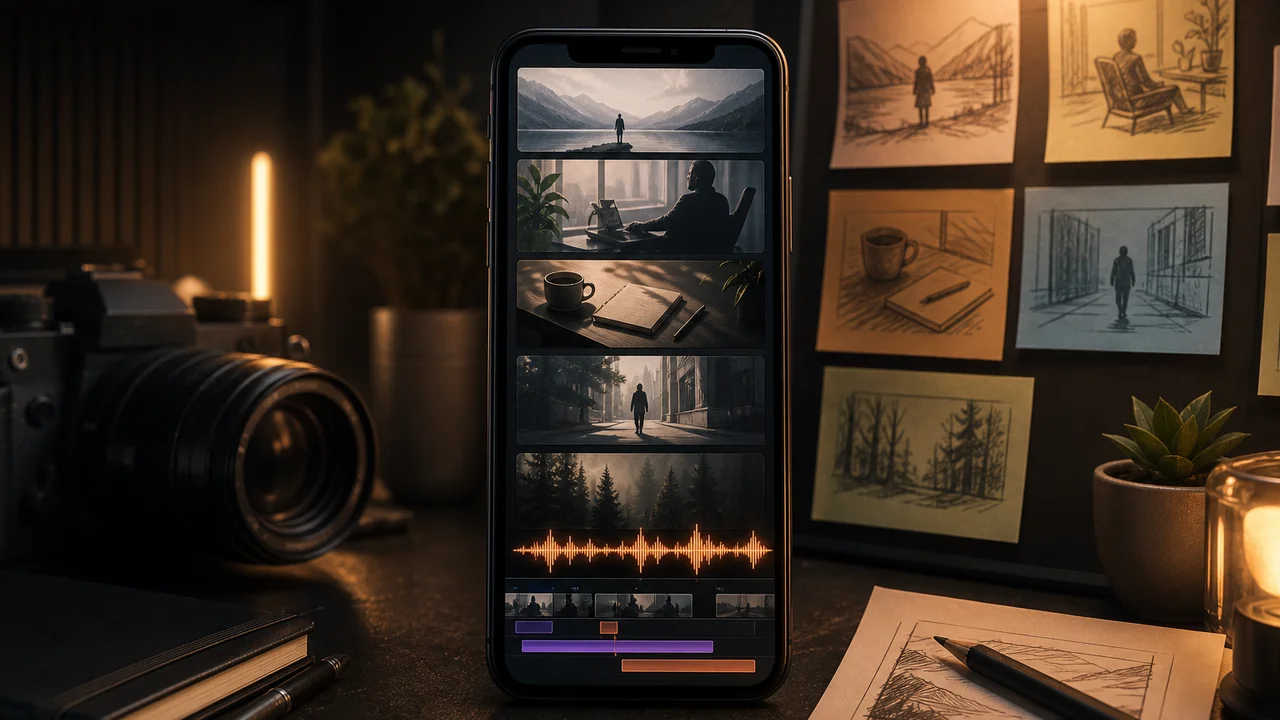
You want faceless video for YouTube Shorts, Reels, or TikTok-style feeds—clips that carry the story without putting your face on camera. The workflow is not magic: write or pick visuals, generate short AI clips, add voiceover, trim in Studio, export. Filmy fits that path on Android; it does not promise viral reach or overnight follower growth.
This guide walks a repeatable faceless video ai pipeline from idea to gallery export, with honest notes on credits, voice quality, and what free tier actually covers.
What faceless video means on mobile
Faceless video here means the viewer sees motion, text, product shots, or B-roll—not a talking-head host. Common patterns:
- Prompt-led B-roll — Text-to-video generates ambient scenes, product macros, or abstract motion.
- Photo animation — A still becomes a short clip with subtle camera or subject movement.
- Template starts — Catalog templates give structure; you swap assets and voiceover.
- Voiceover carries meaning — Script, captions, or AI narration explain what the visuals imply.
A faceless video app on phone should connect generate → edit → export in one session. Desktop NLE depth is optional, not required for fifteen-second posts.
Why creators choose faceless shorts
Store feedback and creator forums cluster around three practical reasons—not hype:
- Voiceover instead of on-camera — Many makers prefer narrating over generated visuals rather than filming themselves daily.
- Trial credits run out before export — Free runs teach the flow; finishing a batch often needs paid credits—plan before you storyboard ten clips.
- Ads oversell what free delivers — Marketing clips show polished results; free tier may gate premium models, longer output, or watermark-free export.
Filmy is freemium. Expect limited free generations, then packs or Filmy Pro for heavier ai social media video volume. We do not claim unlimited faceless exports or guaranteed monetization.
Step 1: Pick your visual source
Choose one input path per clip—mixing paths in one generation often wastes credits.
| Source | Best for | Filmy entry |
|---|---|---|
| Text prompt | Abstract scenes, product macros, mood B-roll | Text-to-video |
| Still photo | Product hero, portrait-free lifestyle frame | Image-to-video |
| Template | Fast social format with placeholders | Template catalog |
For faceless youtube shorts, vertical aspect (nine-by-sixteen) should be set before generation. Widescreen output cropped into Shorts often looks awkward.
Example text prompt (clip-sized):
“Overhead shot of coffee cup on wooden table, steam rising, slow push-in, warm morning light.”
Example photo path:
Clean product on plain background + motion line: “gentle parallax, camera drifts right.”
Prompt discipline for text clips is covered in our text to video troubleshooting guide. Photo likeness limits are in image to video limits and trust.
Step 2: Generate one clip, diagnose once
Faceless video ai generator runs cost credits per full render. Habits that slow waste:
- Write the prompt or pick the photo before opening the app.
- Generate one variant; watch the full preview.
- Note what worked (motion, framing) before any second tap.
- If seventy percent is usable, move to Studio instead of immediate regen.
Short faceless video clips—five to fifteen seconds—match mobile model strengths. Asking for a minute-long narrative in one pass usually fails or burns tokens on extensions.
Step 3: Add voiceover that carries the clip
Faceless channels live or die on audio clarity. Options inside Filmy’s Studio loop:
- Recorded voiceover — Read a tight script; trim dead air at head and tail.
- AI music or SFX — Use for pacing; keep levels balanced for phone speakers.
- On-screen text — Short captions for silent autoplay feeds; avoid walls of small type.
Users often report that voiceover quality matters for faceless clips more than another visual filter pass. Record in a quiet room, normalize volume, and cut breaths in Studio before export.
Step 4: Studio polish without a desktop timeline
Open the clip in Studio:
- Trim — Remove weak first/last frames.
- Split — Combine two generated takes with a short crossfade if needed.
- Transitions / filters — One pass reads cleaner than three stacked effects.
- Speed — Slight slow-down can hide minor motion glitches on photo animations.
- Export — Pick resolution for the target platform; 1080p vertical is enough for most Shorts.
This is the shorts maker path on phone: generate, narrate, trim, ship—not a CapCut-class multi-track replacement for long-form film.
Step 5: Batch responsibly
Short form video apps meter generations. A sane weekly batch:
- Three scripts Monday → three text-to-video clips.
- One product photo set → three image-to-video variants with different motion lines.
- Studio session Friday → voiceover, trim, export all to gallery.
Read the in-app balance before a faceless video app android binge. Credits often disappear across preview, style change, and extend—not only the first tap.
When to use templates vs. raw generation
Templates help when you need a proven aspect ratio and pacing—quote cards, promo shells, trend-style frames. Raw faceless video generator prompts help when the visual is specific (your product, your palette).
Neither path guarantees trend performance. Templates save layout time; they do not replace a clear script or honest product shots.
How we tested this in Filmy
On 2026-07-18 we ran two faceless-style workflows on the current Android build—one text-to-video vertical clip with voiceover in Studio, one image-to-video product still with gentle parallax and trimmed export. Text prompts tracked subject and motion when kept to one scene; photo clips needed modest motion lines to avoid likeness drift on close crops. Credits decremented on each full generation; our test account required paid balance before a third same-day export at premium quality. Studio trim, voiceover track, and gallery export completed without desktop tools. Morrowline Apps verified generate → Studio → export flows in-app on that date; we do not claim viral outcomes or unlimited free exports.
FAQ
What is the best faceless video ai workflow for beginners?
Start with one vertical text prompt, one voiceover take, and Studio trim. Add photo animation or templates after you understand credit costs.
Can a faceless video app replace filming entirely?
For many Shorts and Reels, yes—B-roll plus narration is enough. You still need a script and honest expectations about free tier limits.
Why do faceless youtube shorts cost credits so fast?
Each full generation, style change, or extend spends tokens. Batch scripts, generate once per clip, and trim salvageable frames before regenerating.
Does Filmy guarantee views on faceless channels?
No. We provide mobile AI generation and Studio export—not audience growth or monetization promises.
Map one script to one vertical clip, record voiceover in Studio, and export when the middle seconds work. For generate-then-edit depth on phone, see AI video editor workflow on mobile.