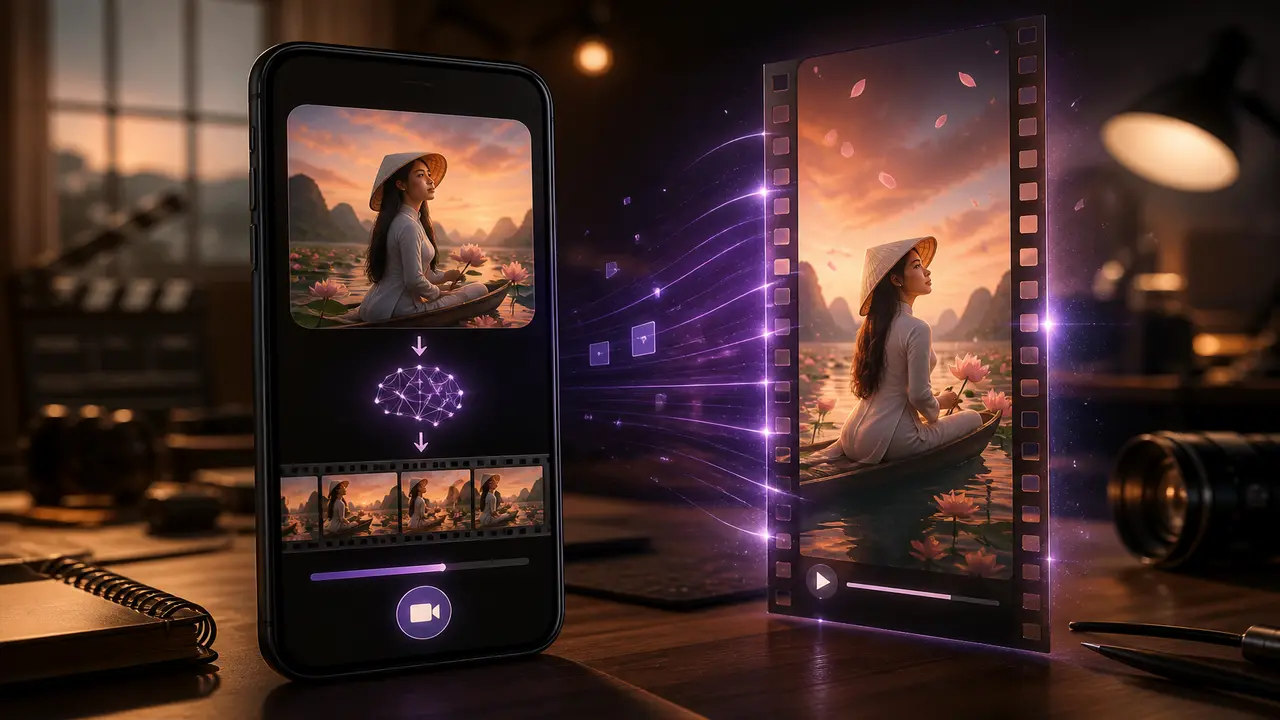
tạo ảnh ai can be a still first, then motion—not a standalone art app. Generate or refine an image, then animate once in the same mobile studio.
Morrowline Apps đăng quy trình sản phẩm cho creator short-form. Chúng tôi không hứa viral, follower hay kiếm tiền từ một clip.
Text or photo → still → clip
- Still concept — chữ thành ảnh or image-to-image for a key visual.
- Check likeness — Faces and logos drift; discard bad stills before video step.
- Image-to-video once — One motion line; do not montage in the prompt.
- Studio finish — Trim, captions, optional chữ thành ảnh AI or SFX, single export.
Credits often burn across both steps—VoC themes include credit hết khi thử nhiều ảnh trước khi làm video and sợ trả trước chưa xem chất lượng ảnh. Read the meter before step two.
Cách chúng tôi kiểm tra trong Filmy
We generated one still, animated it once, and exported a vertical clip on Android. Quality depended on input and model; no studio-every-time claim. Credit dùng cho tạo mới và đôi khi cho xuất file. Xem đồng hồ trước khi thử lại.
Khi đường đi đã rõ, mở Filmy trên Android, làm một việc tập trung và chỉ xuất sau khi ô thư viện xuất hiện.
Hướng dẫn liên quan
anh thanh video how to, lam video tu anh limits trust, ung dung tao video ai chon nguon, chuyen chu thanh video ai troubleshooting