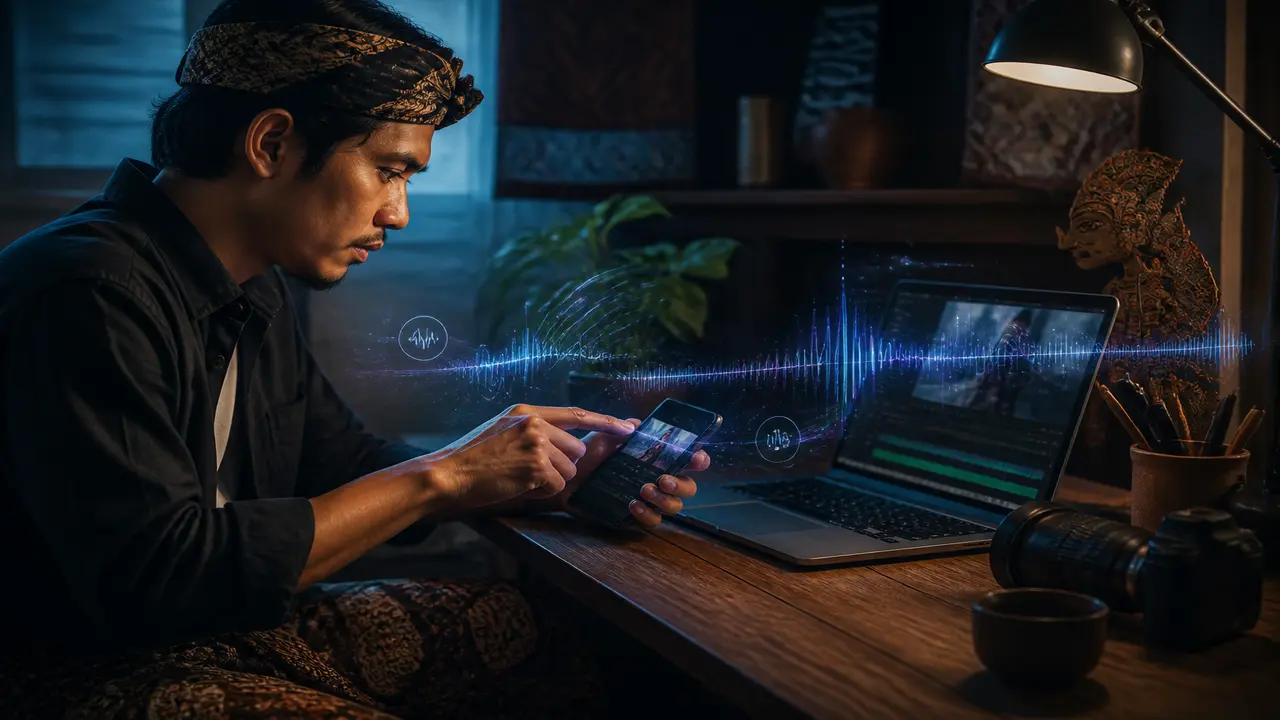
efek suara ai for short clips means one bed track or a few SFX hits—not a full music app. Generate audio in Filmy, attach in Studio, export with the video.
Morrowline Apps menerbitkan panduan produk untuk kreator format pendek. Kami tidak menjanjikan viral, follower, atau monetisasi dari satu klip.
Steps
- Finish picture lock — Trim video before audio experiments.
- One music or SFX pass — Match mood to clip length; avoid three competing layers.
- Level check on phone speaker — Mobile viewers hear tinny playback.
- Export once — Audio missing on export is a common VoC theme (suara AI terdengar kurang natural).
generator musik ai and studio kreatif ai searches should land on attach-in-Studio, not standalone DAW depth.
Cara kami menguji alur ini di Filmy
We added one AI music bed to a short clip in Studio on Android and exported vertical. Export included audio on the device tested; behavior can vary by tier. Kredit dipakai untuk generate dan sebagian ekspor. Cek meter sebelum mencoba ulang.
Kalau jalurnya sudah jelas, buka Filmy di Android, kerjakan satu tugas fokus, lalu ekspor setelah ubin galeri muncul.
Panduan terkait
musik ai studio workflow, studio rapikan ekspor, konten tanpa wajah, template video shorts workflow